
IEO Tech
IEO Science and Technology
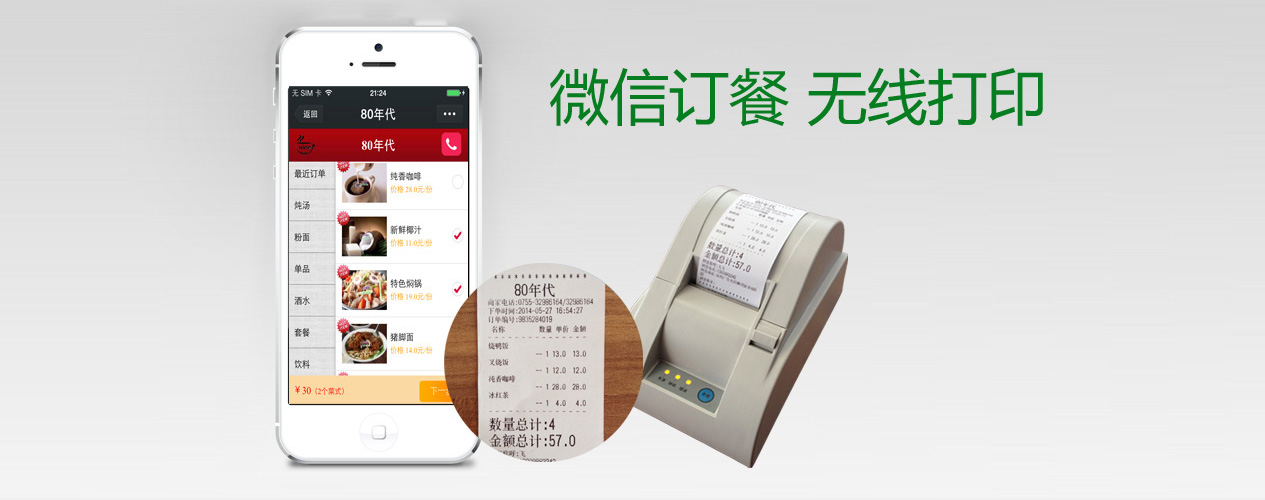
1Follow the restaurant on WeChat
1. Scan the QR code to follow
2. Search for WeChat ID nd_8090 and follow
3. Return to the menu after following
4. Send any number to return to the menu
2Browse the restaurant menu
1. Tap "Restaurant menu > Order food" to begin
2. The left side shows the function bar and dish categories
3. Tap a dish photo to view a larger image and its description
4. Tick the checkbox to the right of a dish to select it for ordering
5. Tap "Next" at the bottom to submit the order
3Confirm your selection
1. Review the selected dishes
2. Change the quantity using the dropdown
3. Remove a dish with the delete button
4Enter your contact details
1. Enter your real mobile number
2. Tap "Get verification code" to receive the SMS code
3. Enter the name of the delivery contact
4. Enter the full delivery address
6. Add any special requests (e.g. delivery time, less spicy)
7. Confirm and submit the order
5The restaurant prints your order automatically
1. The GPRS wireless printer prints the receipt automatically
2. The restaurant prepares and delivers your takeaway based on the receipt
3. An SMS notification is sent once the order is printed
6SMS notification after the order is printed
Sit back and wait for your delivery